 close
close

Checking out a WE-cycle bike just got easier!
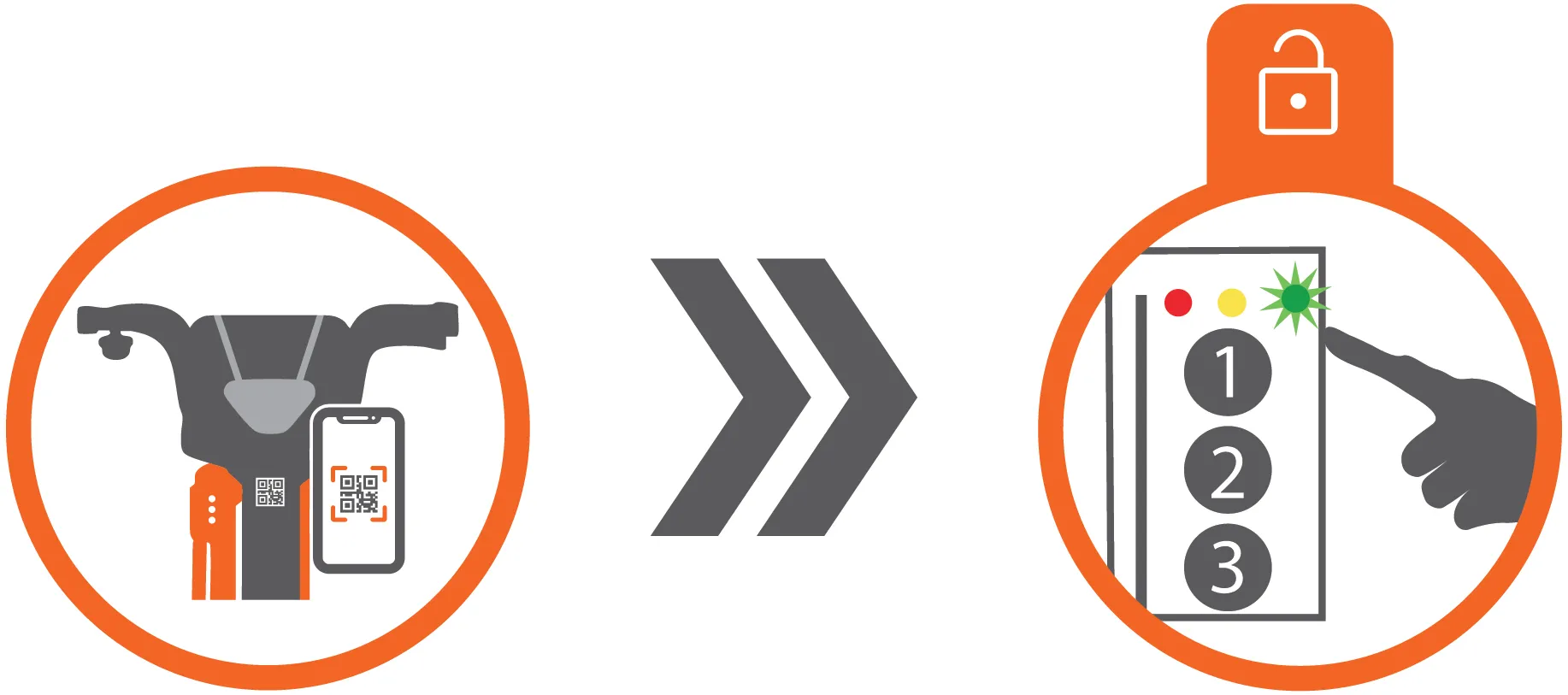
We’re rolling out a new, faster way to check out a WE-cycle bike: you can now scan a QR code to unlock your bike.
What’s New
All WE-cycle bikes will have a QR code on the bike frame just beneath the handlebars. To check out a bike using this code, open the WE-cycle website or Transit App, and tap the station where you’re ready to ride. Your phone’s camera will automatically open so you can scan the code to unlock a bike. Hold your phone still as the QR code scans, and when the light turns GREEN, you’re on your way. Yes, that fast!
What Stays the Same
The basics of riding WE-cycle haven’t changed. Within the Transit App or website, you follow these steps:
1. Create an account, or sign in if you already have one.
2. Navigate to the map and select the station where you’re ready to ride.
3. Scan the bike’s QR code.
4. Wait for the green light to confirm the bike is unlocked.
5. Lift the seat, pull back, and ride!
6. Returning your bike? Dock it securely and make sure you see the GREEN light. Late fees still apply for any trip exceeding 30 minutes.
Why We’re Excited
This small change makes a big difference:
- Shaves seconds off your checkout: quicker unlocks mean quicker rides.
- Fewer mis-presses: no more accidentally double-pressing keypad buttons or waiting to try again.
Overall, scanning is easier and quicker while keeping everything else familiar.
Scan, unlock, ride safely!
Backup Options (Just in Case)
- Camera not scanning? You can manually enter the code printed below the QR code on the bike.
- Prefer the old way? No problem, numeric unlock codes and keycards still work are still an option.
If you have questions or run into issues, WE-cycle staff are always happy to help. Happy riding!